
The Problem: HR Freelancers Need Clean Documentation
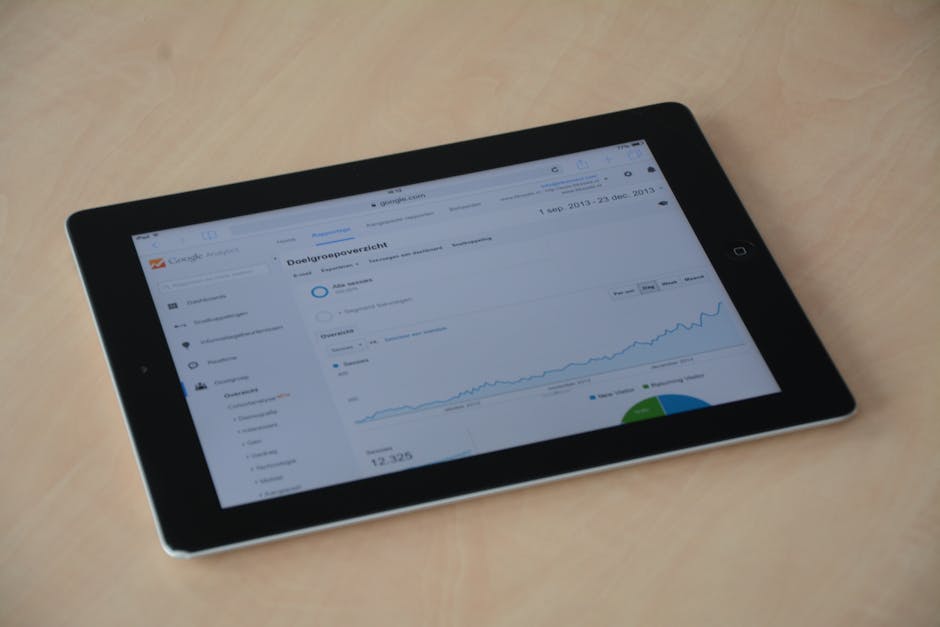
As an HR freelancer in Australia, you're often juggling multiple clients, each with their own documentation requirements. Maybe you've created a training video series on YouTube for a client's onboarding program. Or perhaps you're evaluating recruitment channels and need to document the performance of video job ads. The analytics are there in YouTube Studio, but you need something more formal for reports, client meetings, or compliance records.
Taking screenshots feels unprofessional. Manually copying data into a Word document is time-consuming and prone to errors. And you certainly don't want to install specialized software on your computer just for this one task—especially when you're working with sensitive HR data that needs to stay secure.
You need a clean, professional PDF that captures the essential analytics in a format you can attach to emails, include in reports, or archive with other client documentation like ATO forms, ASIC submissions, or statutory declarations.

The Solution: YouTube Analytics to PDF Tool
PDF Master's YouTube Analytics to PDF tool solves this exact problem. It's a browser-based tool that creates formatted PDF reports from YouTube channel or video data—no software installation required.
Here's what it does: you enter a YouTube URL (either a channel or specific video), and the tool fetches the analytics data and generates a professional PDF report. The report includes channel or video information and analytics data in a clean, readable format.
Since it works entirely in your browser, there's nothing to install. You don't need to give anyone access to your YouTube account. You're simply using publicly available data to create a document that's much more useful than a screenshot or copied table.
Step-by-Step: Create Your YouTube Analytics PDF
Let's walk through the exact process. This takes about 60 seconds from start to finish.
Step 1: Go to the YouTube Analytics to PDF tool in your browser. Any modern browser works—Chrome, Safari, Firefox, Edge.
Step 2: Copy the YouTube URL you want to analyze. This could be:
- A channel URL (like https://www.youtube.com/@CompanyTraining)
- A specific video URL (like https://www.youtube.com/watch?v=example123)
Step 3: Paste the URL into the tool's input field and click the generate button.
Step 4: The tool fetches the analytics data and creates a formatted PDF. This usually takes just a few seconds.
Step 5: Download your PDF report. It's now ready to attach to an email, include in a client report, or archive with your other documentation.
The entire process happens in your browser. No data is stored on any server—you get your PDF, and that's it. This is particularly important when you're handling HR-related content that might contain sensitive information.
Australian HR Context: Where This Fits
As an Australian HR freelancer, you're already familiar with specific documentation requirements. While this tool doesn't create ATO tax documents or ASIC forms, it fits neatly into your existing workflow for several common scenarios:
Training Program Documentation: When you create or manage training content on YouTube for a client, you need to show engagement metrics. A PDF analytics report provides tangible evidence of the program's reach and effectiveness—much more professional than saying "the videos got some views."
Recruitment Channel Analysis: If you're using video job ads on YouTube, you need to document their performance for client reporting. How many views did the recruitment video get? What was the engagement? This PDF gives you clean documentation to include in your monthly or quarterly reports.
Compliance and Auditing: While not a statutory declaration or rental bond document, having proper documentation of your work processes supports good record-keeping practices. When everything is properly documented, you're better prepared if questions arise about your work methods or deliverables.
Client Communication: Australian businesses appreciate clear, professional documentation. Sending a client a well-formatted PDF analytics report shows you're organized and thorough—qualities that matter when dealing with HR matters.
Building a Complete Documentation Workflow
The YouTube Analytics PDF is often just one piece of your documentation. Here's how it fits with other PDF Master tools that are useful for HR freelancers:
After creating your analytics PDF: If the file is large (perhaps it contains multiple charts), use the PDF Compressor to reduce its size before emailing it to clients. This is especially helpful when you're approaching email attachment limits.
Combining multiple reports: If you have analytics PDFs from different months or for different videos, use PDF Merge to combine them into a single quarterly or annual report. Drag and drop to put them in the right order before merging.
Quick previews without downloading: When a client sends you a PDF (like a signed statutory declaration or ATO form), use the PDF Viewer to check it quickly without downloading it to your computer. This is handy when you're working on a shared or public computer.
Other useful tools for HR work: Need to convert a Word document contract to PDF? Use Word to PDF. Creating an invoice for your freelance services? The Invoice Generator creates professional PDF invoices with Australian-friendly templates.

Frequently Asked Questions
Do I need a YouTube account or special access to use this tool?
No. The tool works with publicly available YouTube data. You don't need to log in to YouTube or provide any special access. Just paste the public URL of the channel or video you want to analyze.
Can I use this for private or unlisted YouTube videos?
No. The tool only works with publicly accessible YouTube content. It cannot access private or unlisted videos since those require authentication to view.
Is my data secure when using this tool?
Yes. The tool works entirely in your browser. The YouTube data is fetched directly, and the PDF is generated locally. No data is stored on any server. This aligns well with Australian privacy principles for handling work-related information.
What if I need to edit the PDF after creating it?
The tool creates a formatted PDF report. If you need to make changes, you would need to create a new report with updated data. For other PDF editing needs (like adding page numbers or watermarks), PDF Master has separate tools for those specific functions.



